 Maloomati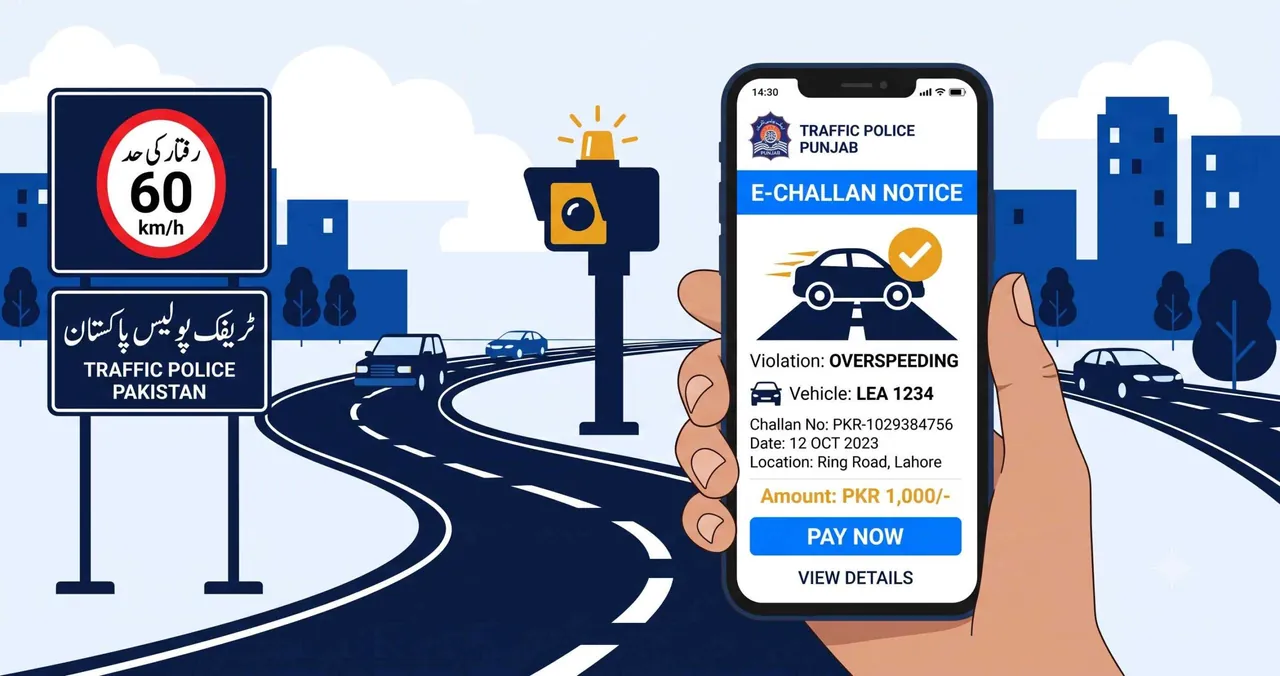
Quick Answer
To check your e-challan online in Punjab, visit echallan.psca.gop.pk, enter your vehicle plate number and CNIC, then click Check Challan. For Islamabad, use traffic.islamabadpolice.gov.pk. You can also check your Punjab e-challan by sending your vehicle number to 8070 via SMS.
Table of Contents
What Is E-Challan?
An e-challan is an electronic traffic violation ticket issued by traffic police cameras and officers across Pakistan. When a vehicle is caught violating traffic rules — such as over-speeding, running a red light, or lane violation — the system automatically generates a challan linked to the vehicle’s registration number.
The e-challan system operates under the Punjab Safe Cities Authority (PSCA) in Punjab, the Islamabad Traffic Police (ITP) in the capital, and the Sindh Safe Cities Authority in Sindh. Each province has its own portal for checking and paying challans online.
Unlike traditional paper challans, e-challans are recorded digitally. You can check your e-challan status online using your vehicle number or CNIC without visiting a police station.
How to Check E-Challan in Punjab (PSCA)
The PSCA e-challan system covers all major cities in Punjab including Lahore, Rawalpindi, Faisalabad, Multan, Sialkot, and Gujranwala. Here is how to check your e-challan online:
Step 1: Open the PSCA E-Challan Portal
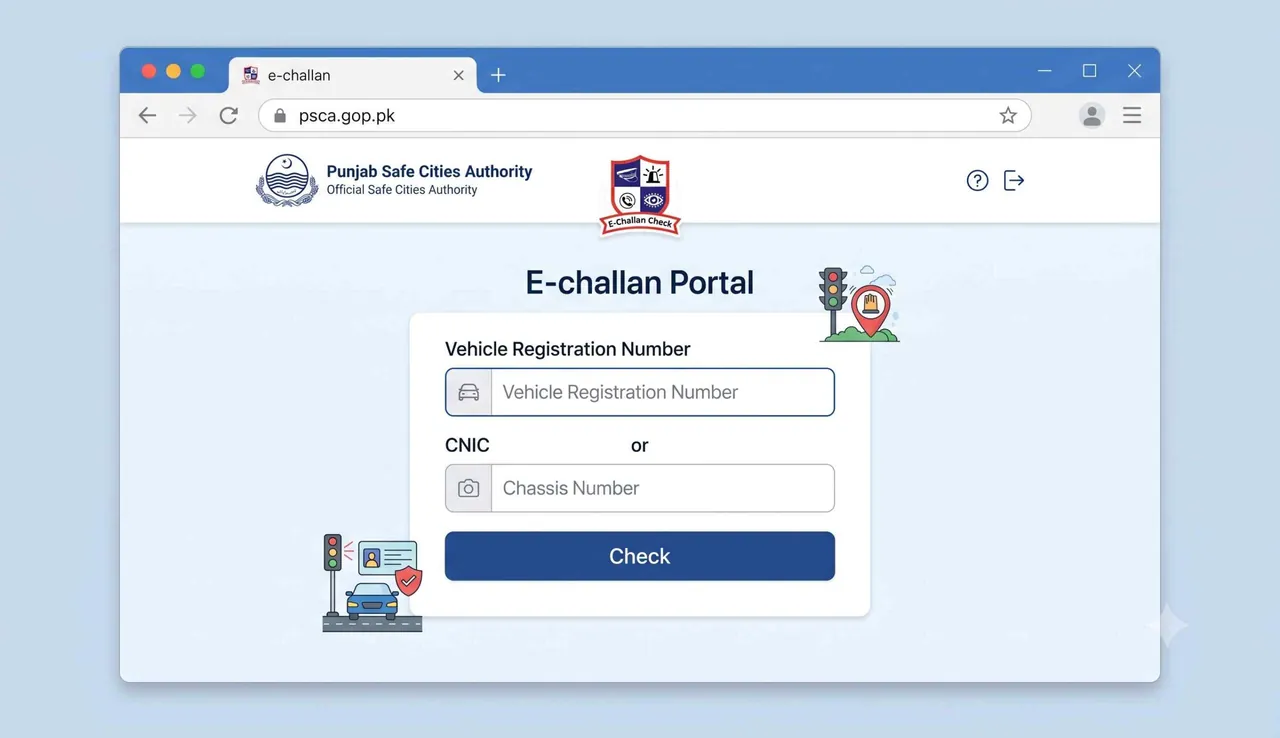
Go to echallan.psca.gop.pk in your browser. This is the official Punjab Safe Cities Authority e-challan checking portal.
Step 2: Enter Your Vehicle Details
The form requires two fields:
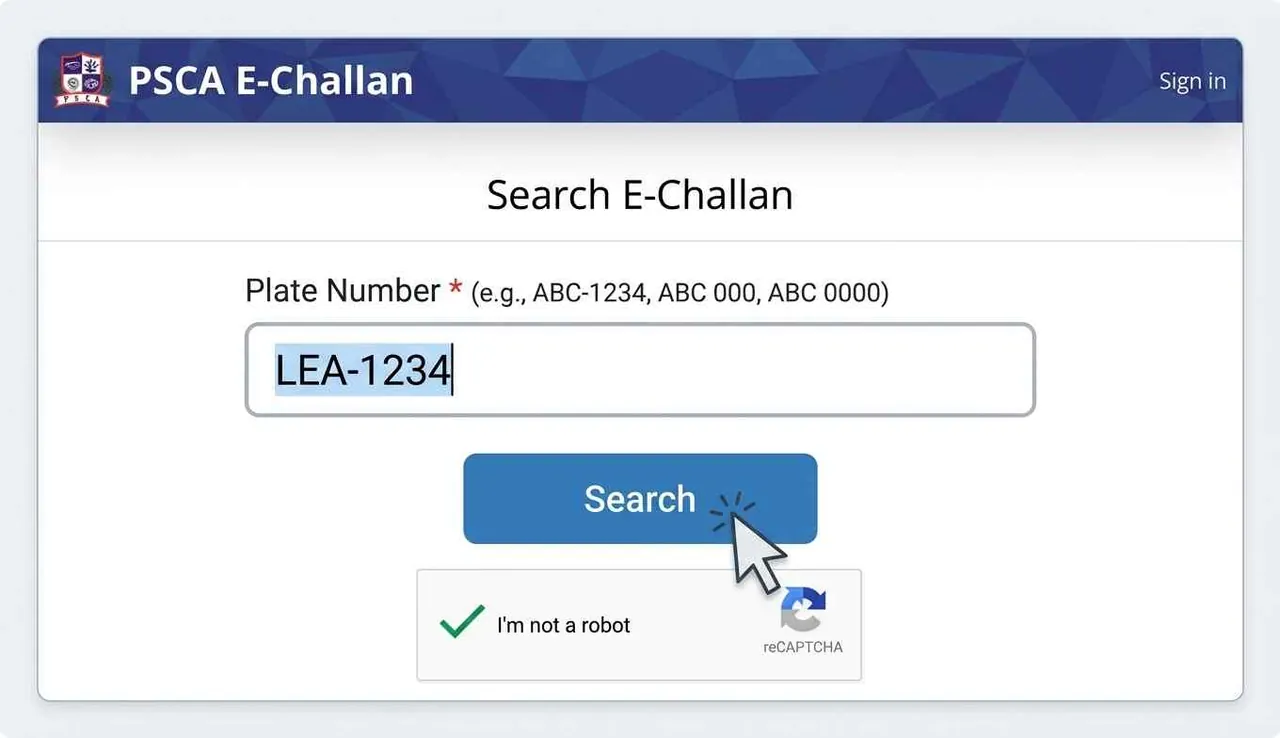
- Plate Number — enter your vehicle registration number in the format shown (e.g., LHR 2463 or ABC-00-0000)
- CNIC or Chassis Number — enter your 13-digit CNIC number (e.g., 3520112345678) or vehicle chassis number
Click the “Check Challan” button to search.
Step 3: View Your E-Challan Results
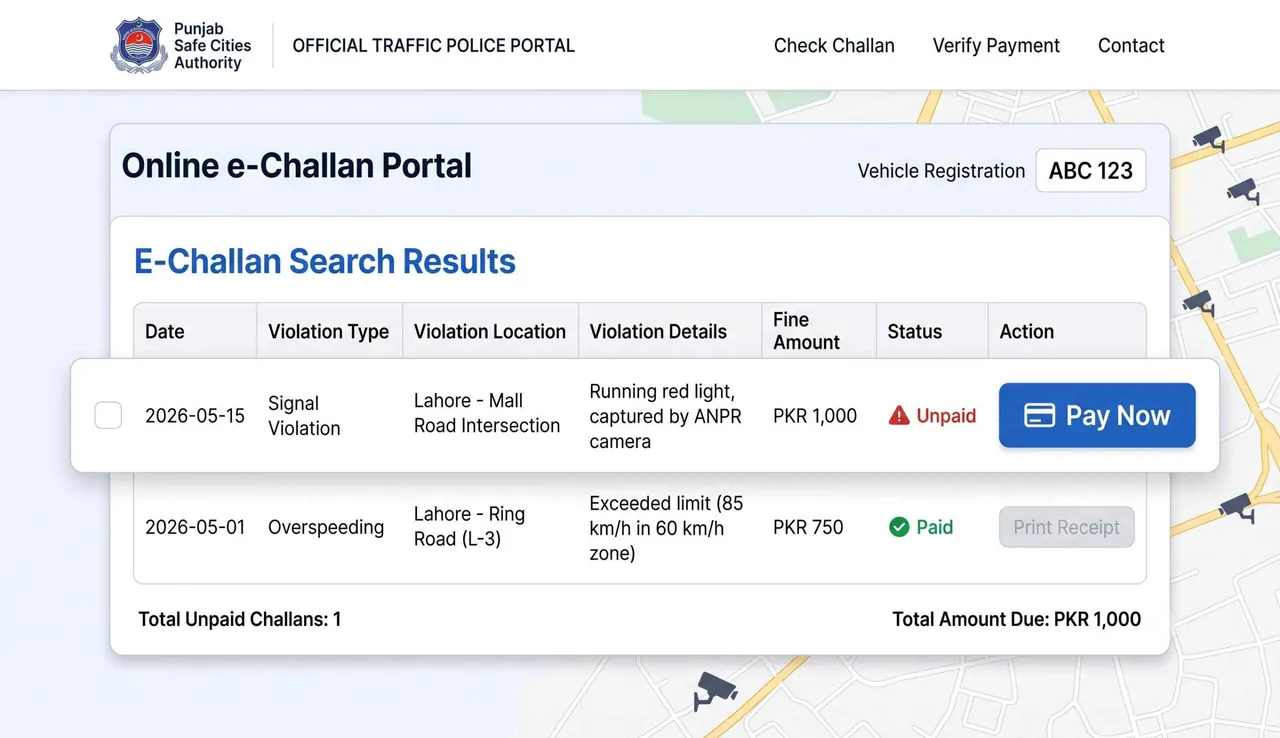
If any e-challans exist against your vehicle, the system displays the full details:
- Date and time of the violation
- Type of violation (e.g., over-speeding, signal violation, lane violation)
- Fine amount in PKR
- Payment status (Paid / Unpaid)
- Location where the violation was recorded
If no challans are found, the portal will show a “No record found” message — meaning your vehicle has no pending violations.
PSCA Public Safety App
You can also check your Punjab e-challan using the official PSCA Public Safety app, available on Google Play and App Store.
Check E-Challan via SMS — 8070
If you do not have internet access, you can check your Punjab e-challan by SMS. This method works for all PSCA-covered cities.
- Open the Messages app on your phone
- Type your vehicle registration number (e.g., LHR 2463)
- Send the message to 8070
- You will receive a reply with your e-challan details, including the violation type, fine amount, and payment status
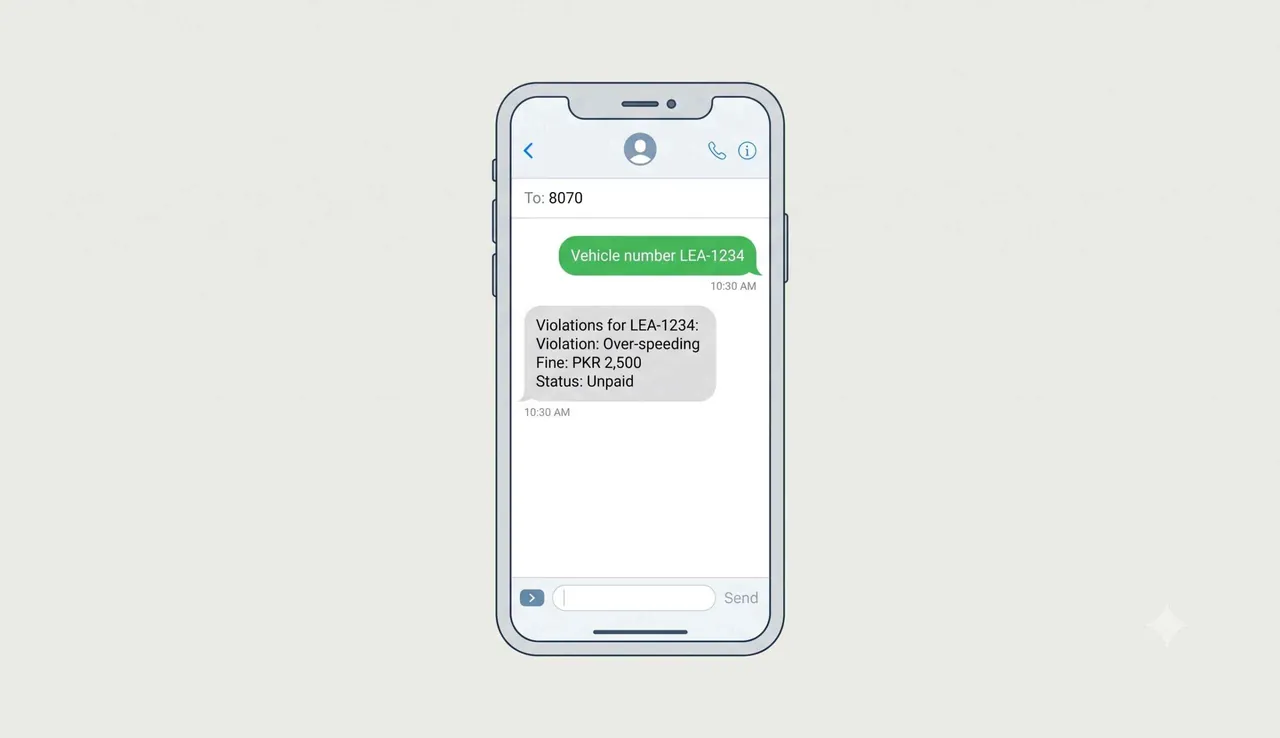
The SMS service is free and available 24/7. It is useful when you want a quick check without opening any website or app.
How to Check E-Challan in Islamabad (ITP)
The Islamabad Traffic Police (ITP) operates its own e-challan system, separate from Punjab’s PSCA. Here is how to check your e-challan in Islamabad:
- Visit traffic.islamabadpolice.gov.pk/Echallan
- Enter your vehicle registration number
- Click “Check Challan”
- The system will display all pending and paid challans against your vehicle
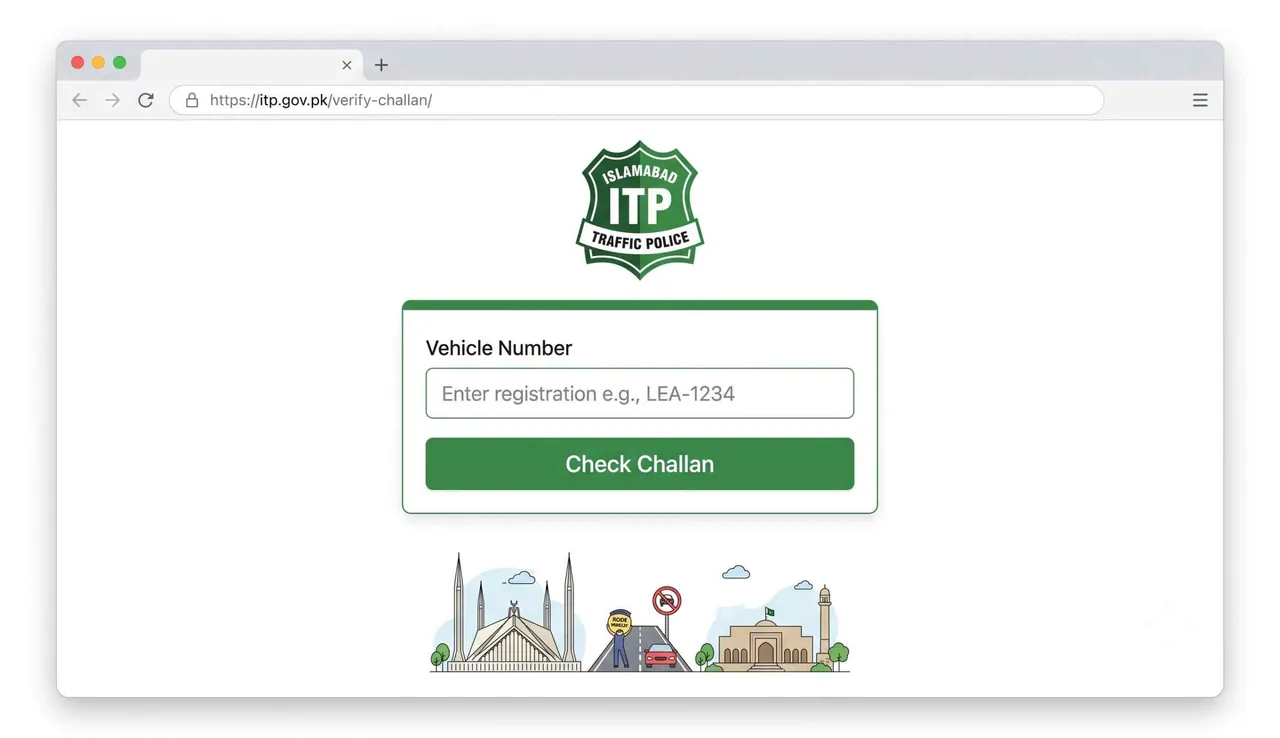
The ITP helpline is available at 1915 (24/7) for any traffic-related queries in Islamabad.
E-Challan in Sindh / Karachi
The Sindh Safe Cities Authority manages the e-challan system in Karachi and other cities in Sindh. The system is being expanded and upgraded progressively.
For checking your e-challan in Sindh, visit the official Sindh Traffic Police portal:
We will update this section with detailed step-by-step instructions once the portal features are fully verified.
How to Pay E-Challan Online
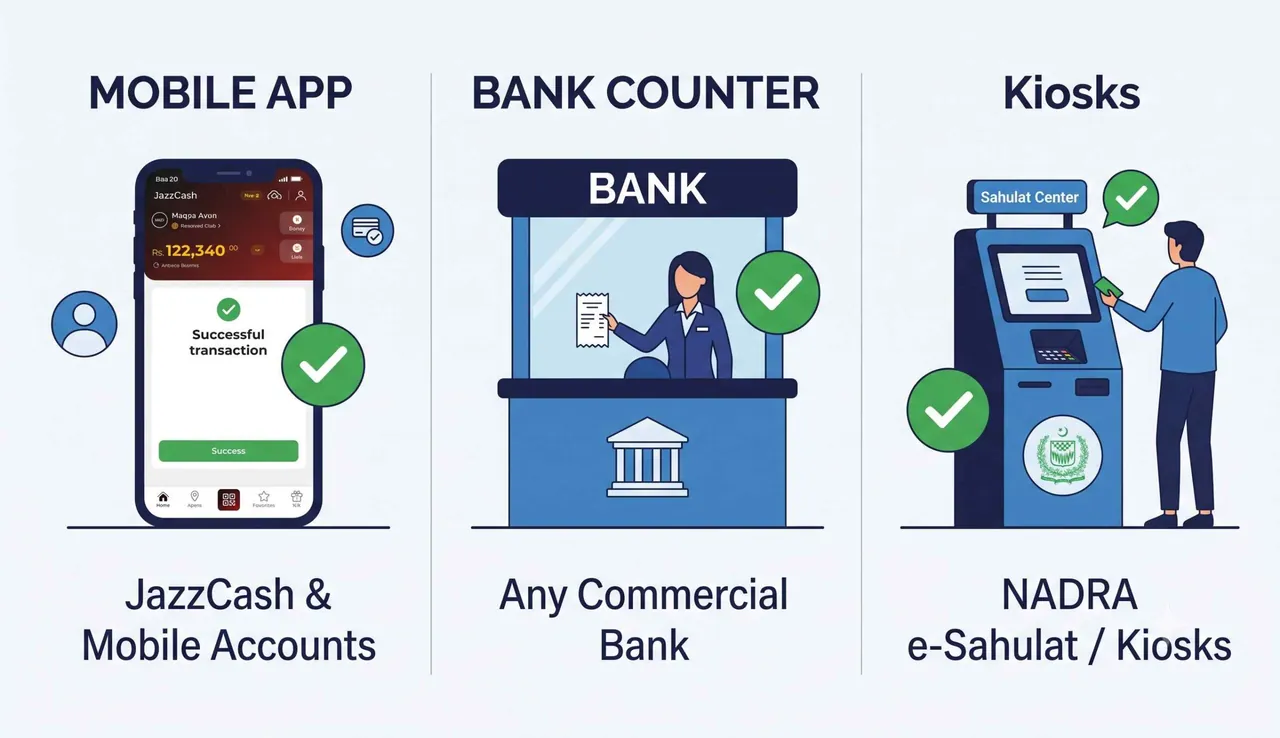
Once you have checked your e-challan and found a pending fine, you can pay it through multiple methods:
1. JazzCash / EasyPaisa
Open the JazzCash or EasyPaisa app, go to the “Government Payments” or “Traffic Challan” section, enter your PSID (Payment Slip ID) number from your e-challan, and complete the payment.
2. Bank Payment
Visit any branch of Bank of Punjab, HBL, UBL, or National Bank. Provide your e-challan PSID number, and the bank will process the payment. You will receive a receipt as proof of payment.
3. Sahulat Center / Facilitation Center
Punjab has Sahulat Centers in major cities where you can pay your e-challan in person. Search “e-challan sahulat center near me” to find the closest one.
Pay Before the Due Date
E-challans have a due date printed on them. Paying late may result in additional fines or the case being forwarded to a traffic court. Always pay within the specified timeframe to avoid complications.
E-Challan Helpline Numbers
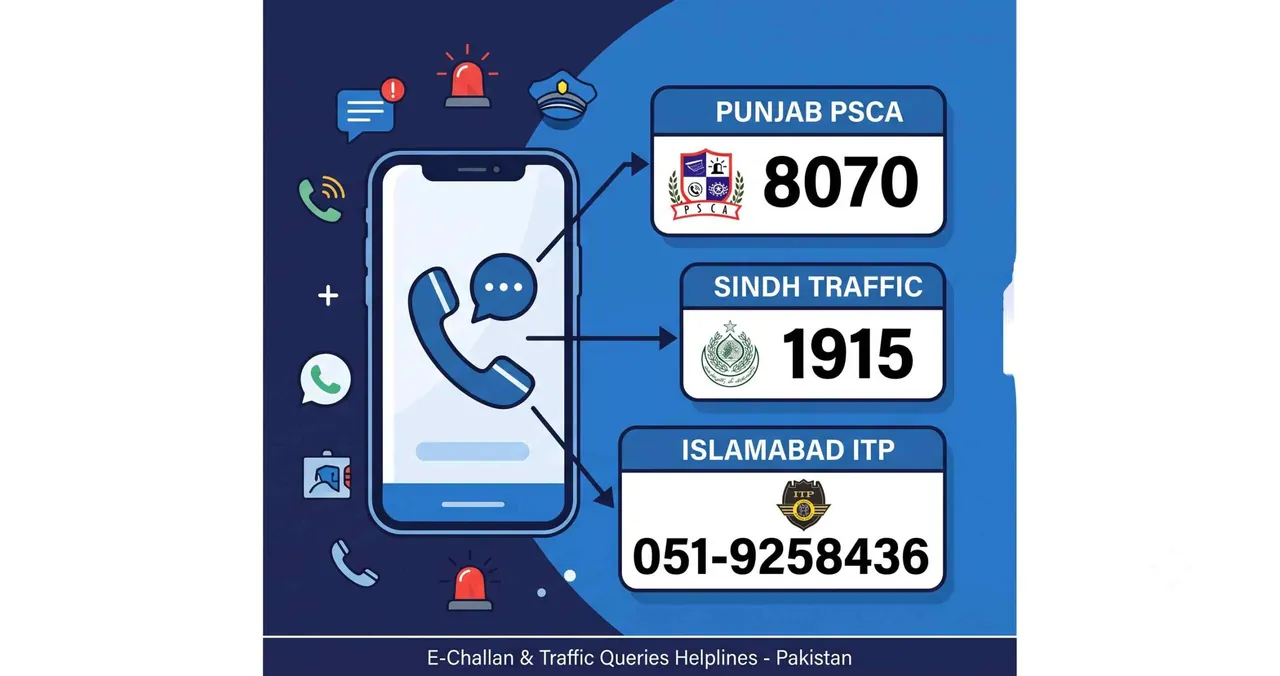
If you have questions about your e-challan or face issues with the online portal, contact the official helplines:
| Province / City | Authority | Helpline | Availability |
|---|---|---|---|
| Punjab | PSCA (Safe Cities) | 8070 (SMS) | 24/7 |
| Islamabad | ITP (Traffic Police) | 1915 | 24/7 |
| Emergency | All Pakistan | 15 | 24/7 |
Frequently Asked Questions
How do I check my e-challan online in Pakistan?
For Punjab, visit echallan.psca.gop.pk and enter your plate number and CNIC. For Islamabad, go to traffic.islamabadpolice.gov.pk/Echallan. You can also send your vehicle number to 8070 via SMS in Punjab.
Can I check e-challan by CNIC number?
Yes. The PSCA Punjab portal requires both your vehicle plate number and CNIC (or chassis number) to look up e-challans. This ensures only the vehicle owner can view the challan details.
How to check e-challan in Lahore?
Lahore falls under the PSCA system. Visit echallan.psca.gop.pk, enter your Lahore vehicle number (e.g., LEA or LHR prefix) and CNIC, and click Check Challan. Alternatively, SMS your plate number to 8070.
How to check e-challan in Karachi?
Karachi is covered by the Sindh Safe Cities Authority. You can check your e-challan status through the Sindh Traffic Police portal at tracs.sindhpolice.gov.pk.
What happens if I don’t pay my e-challan?
Unpaid e-challans can result in additional late fines. In Punjab, persistent non-payment may lead to your case being referred to a traffic court. It is best to pay before the due date mentioned on your challan.
Is there an app to check e-challans in Punjab?
Yes. Download the official PSCA Public Safety app from Google Play or App Store. It allows you to check e-challans, view violation photos, and track your payment history.
Can I check e-challan for a motorcycle or bike?
Yes. The PSCA portal and SMS service work for all vehicle types including motorcycles, cars, rickshaws, and commercial vehicles. Enter your bike’s plate number in the same format.
What is PSID number on an e-challan?
PSID (Payment Slip ID) is a unique number assigned to each e-challan. You need this number to pay your fine through JazzCash, EasyPaisa, or at a bank. It is displayed on your e-challan details page and in SMS replies from 8070.