 Maloomati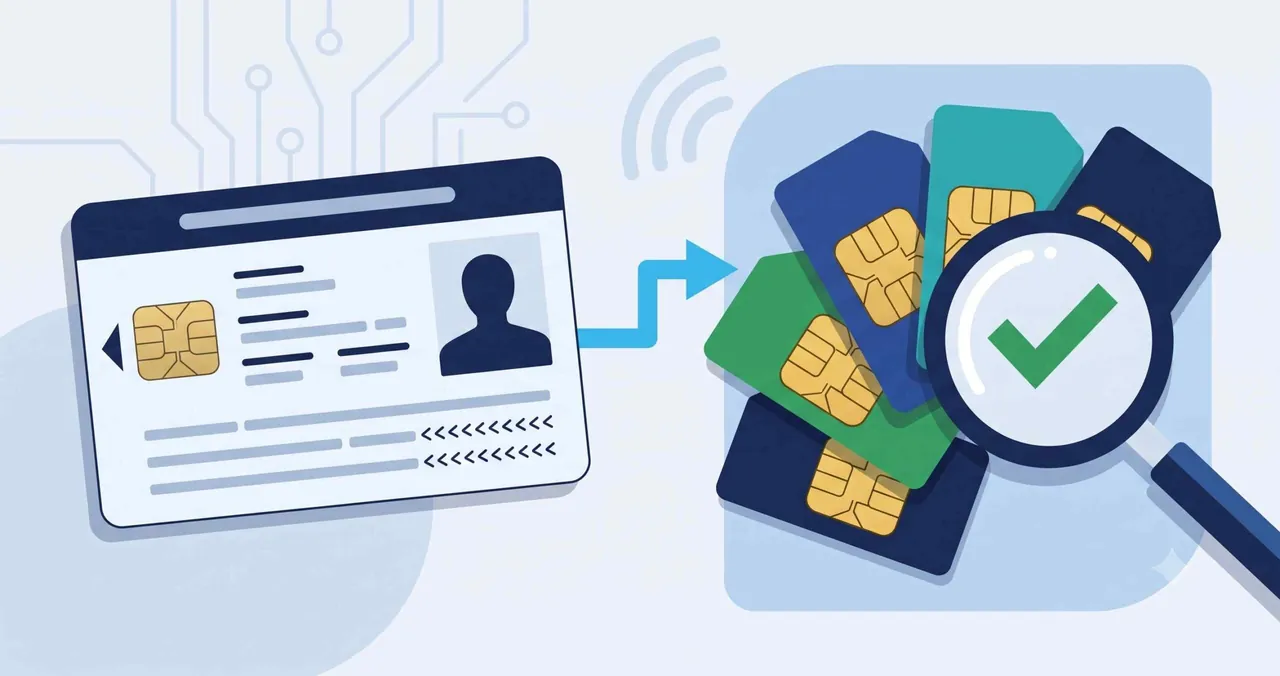
Quick Answer
To check SIMs registered on your CNIC, send your 13-digit CNIC number (without dashes) to 668 via SMS, or visit the PTA portal at cnic.sims.pk and enter your CNIC. Both show how many SIMs are registered on your ID per network (Jazz, Zong, Ufone, Telenor) — they show the count, not the actual phone numbers.
Table of Contents
What “Check SIMs on CNIC” Means
Every mobile SIM in Pakistan is registered against a citizen’s CNIC (Computerized National Identity Card) through biometric verification. Checking SIMs on your CNIC means finding out how many SIMs are registered in your name across all networks.
This matters because someone could have a SIM issued against your CNIC without your knowledge — for example, at the time of purchase or through misuse. Regularly checking the number of SIMs on your ID card helps you stay safe and block any SIM you did not authorise.
The service is run by the Pakistan Telecommunication Authority (PTA) and is free (the SMS has a small charge). There are three ways to check.
Method 1: Check SIMs on CNIC by SMS (668)
This is the quickest and most official way to check SIMs registered on your CNIC. It works on any mobile network in Pakistan.
- Open the Messages app on your phone
- Type your 13-digit CNIC number without dashes (for example, 3520212345678)
- Send it to 668
- Within about 30 seconds you will receive a reply showing the number of SIMs registered on your CNIC, broken down by network

The SMS costs around Rs. 2 plus tax. The reply lists each operator (Jazz, Zong, Ufone, Telenor) and how many SIMs are active against your CNIC on that network.
Method 2: Check SIMs on CNIC Online
If you prefer to check SIMs on your CNIC online, use the official PTA SIM Information System website.
- Open cnic.sims.pk in your browser
- Enter your 13-digit CNIC number
- Complete the CAPTCHA verification
- Click Check to view a table of SIMs registered on your CNIC per network
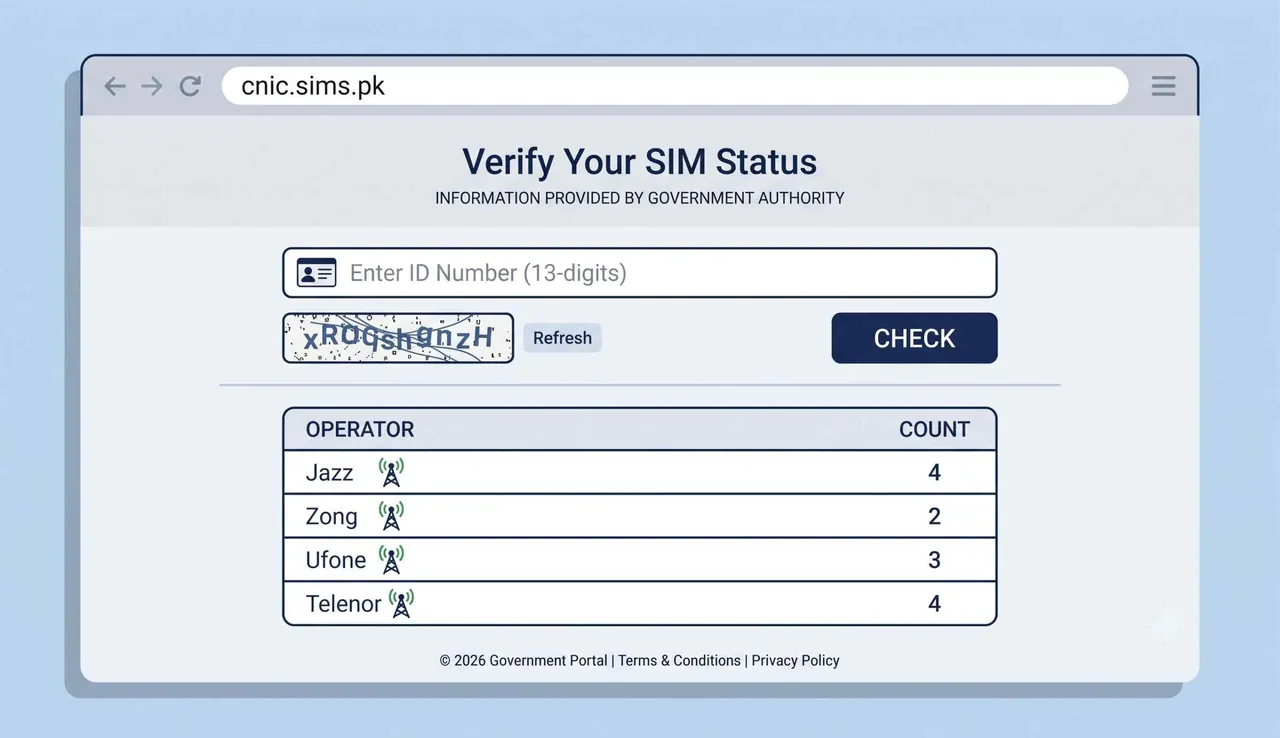
Like the SMS method, the online portal shows the count of SIMs per operator, not the actual mobile numbers.
Method 3: Operator Verification Codes
Each mobile network also offers its own short code to check a SIM’s biometric verification status — that is, whether a particular number is properly verified against a CNIC. Use these from the SIM you want to check:
| Operator | Method | What It Does |
|---|---|---|
| Jazz (Mobilink) | SMS your CNIC to 6001 | Verification status |
| Warid (now Jazz) | SMS your CNIC to 789 | Numbers & status against CNIC |
| Telenor | Send any SMS to 7751 | Verification status of number in use |
| Zong (CMPak) | SMS “V” to 7911 | Verified numbers |
| Ufone | Dial *336# and select option 1 | Verification status |

These operator methods confirm whether a specific SIM is biometrically verified. For a full count across all networks, the 668 SMS or cnic.sims.pk portal is the better option.
Count vs Actual Numbers — Important
You Get a Count, Not the Numbers
The official PTA methods (668 and cnic.sims.pk) tell you how many SIMs are registered on your CNIC and on which network — they do not reveal the actual phone numbers (03xx). This is by design, to protect your privacy.
To find out the actual numbers registered on your CNIC, you must visit the relevant operator’s franchise or Customer Service Center in person with your original CNIC and complete biometric verification. Only then can the operator show or block specific numbers.
Be careful of any website or app that claims to show the full mobile numbers registered on a CNIC. These are not official, may be scams, and can put your personal data at risk. Always use the PTA channels above.
How Many SIMs Can Be on One CNIC?
PTA limits the number of SIMs a single person can register. As a general rule, a citizen can hold up to five voice SIMs on one CNIC, along with a limited number of data-only SIMs, combined across all networks.
If you check your CNIC and find more SIMs than you own, some may have been issued without your consent. You should act quickly to block them.
What to Do About Unknown SIMs
If the count of SIMs on your CNIC is higher than expected:
- Note the network that shows extra SIMs from your 668 or cnic.sims.pk result
- Visit that operator’s franchise or Customer Service Center with your original CNIC
- Ask them to show the numbers registered on your CNIC after biometric verification
- Block any SIM you did not authorise on the spot
- You can also call the PTA helpline at 0800-55055 to report unauthorised SIMs
Blocking unknown SIMs protects you from fraud, since SIMs issued in your name can be misused for scams or illegal activity.
Frequently Asked Questions
How do I check how many SIMs are on my CNIC?
Send your 13-digit CNIC number without dashes to 668 via SMS, or visit cnic.sims.pk and enter your CNIC. Both show the number of SIMs registered on your ID, broken down by network.
How can I check SIMs on my CNIC by SMS?
Type your CNIC number without dashes (e.g. 3520212345678) and send it to 668. You will get a reply within about 30 seconds showing how many SIMs are registered per operator.
Can I see the actual mobile numbers registered on my CNIC?
No. The PTA methods only show the count per network, not the actual numbers. To see or block specific numbers, visit the operator’s franchise in person with your CNIC and complete biometric verification.
How many SIMs can be registered on one CNIC in Pakistan?
A person can generally hold up to five voice SIMs on one CNIC, plus a limited number of data-only SIMs, across all networks combined.
Is it free to check SIMs on CNIC?
The online portal at cnic.sims.pk is free. The 668 SMS costs about Rs. 2 plus tax.
What should I do if there are unknown SIMs on my CNIC?
Visit the relevant operator’s Customer Service Center with your original CNIC, verify biometrically, and block any SIM you did not authorise. You can also report it to PTA at 0800-55055.
Is cnic.sims.pk the official PTA website?
Yes. cnic.sims.pk is the PTA SIM Information System portal. Avoid unofficial sites that claim to show full mobile numbers from a CNIC, as they are not legitimate.